Free versionYour track.
Your track.
Your moment.
Album art, playback, seeking and volume without hunting for the right window.

 Denny Agents
Made in Russia
A native Mac companion for Claude Code and Codex.
For developers who want chats, usage limits, permission requests and results close to their work.

Interactive preview with sample data. Explore the tabs and try the controls. Some app panels and screenshots show the original Russian interface.
Keep the tools you need close,
and leave room for everything else.
Album art, playback, seeking and volume without hunting for the right window.
Your next meeting, reminders and weather. Get a quick view of the day ahead.

Keep text, links and their source in clipboard history. Find an item and use it again.

Keep images, documents and archives on one shelf, close to your work.

Claude Code and Codex, multiple sessions,
the archive and permission requests — in the full version.
Tasks, questions and results stay connected to the project. Scroll through three steps of the workflow.
Full version of Agents. Your own VPS and access to your chosen AI services are required and paid for separately.Interactive Office example
Scroll the page or choose a step.
Denny Agents has a mobile companion in testing. See agent events, read replies and continue conversations when you step away from your computer.
Remote control requires a full Agents license. Your Mac must stay on and connected. Agents on a VPS run independently of your Mac.
The Mac app includes an Android pairing wizard. The mobile app is in testing; its public release is being prepared.
Screens from a test build of the Android app, with sample data and Russian UI labels. Select a screenshot to enlarge it.
Working, waiting or ready for review — the robots and notch feedback show what is happening.
The agent is carrying out a task.
A question is waiting for your input.
The decision stays with you.
The result is ready to check.
Something did not go as planned.
You can continue working.
Copy a link, paste it into another window or save a screenshot. Denny gives you a quick visual response so you can keep going.
The link stays in clipboard history.
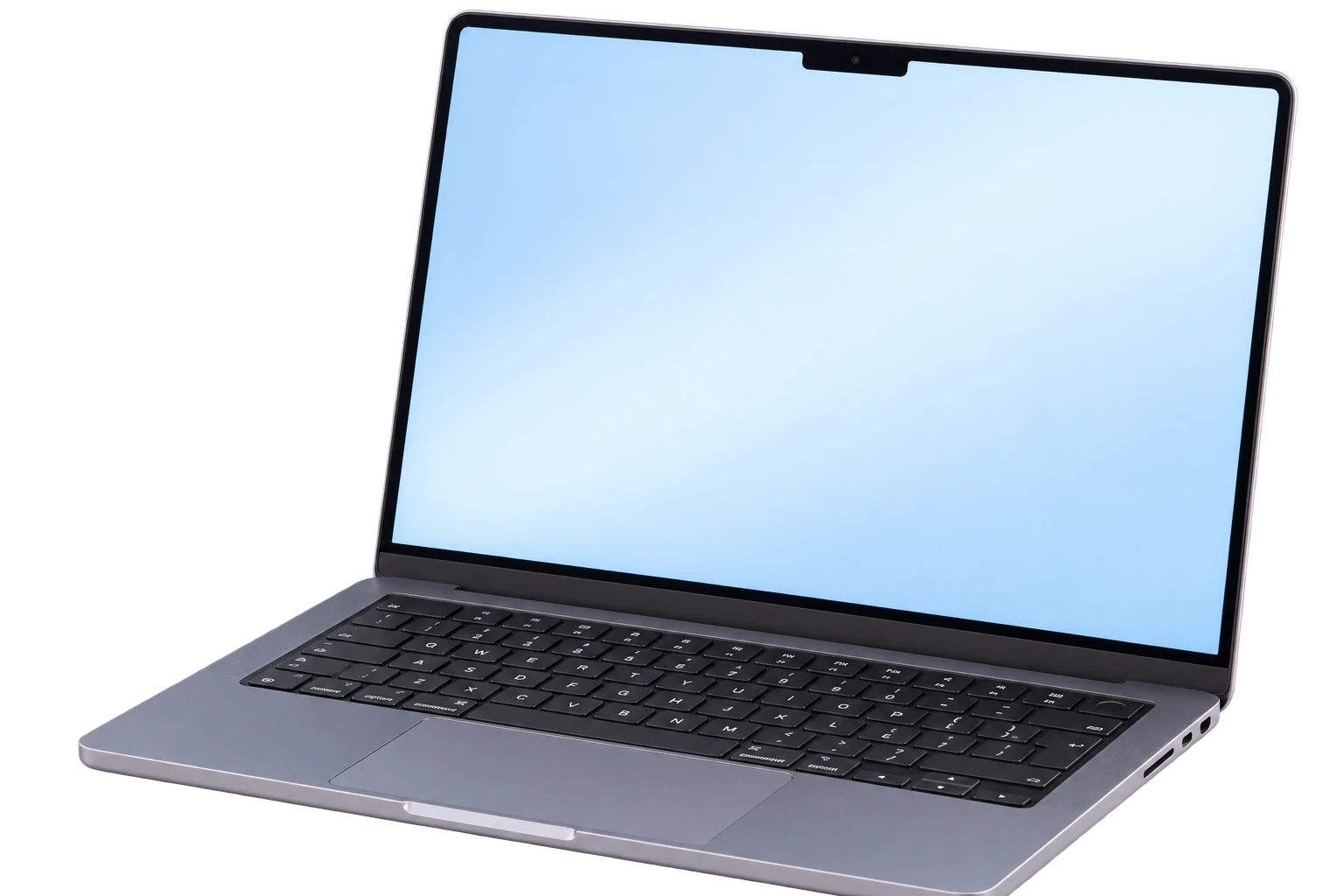
Selecting a link in Safari.
Use the buttons below the laptop or the keys in the photo.
Denny Agents 0.5.0.
A free version, with a separate Agents key for the full version.
Everyday tools for your Mac.
Everyday essentials, plus tools for working with agents.
The full version requires a separate Agents key. AI subscriptions and VPS hosting are paid for separately. A personal Denny license does not activate Agents.
The free version includes overview, usage limits, music, calendar, weather, files, clipboard history, notifications and reminders. Chat, agent control, Office and the other advanced tools listed above require a separate full Agents key.
No. Use your own agent setup. AI-service subscriptions and VPS hosting are configured and paid for separately.
The Mac app includes Android pairing. The Android companion is in testing and its public release is being prepared. Remote control requires a full Agents license; the Mac must remain on and connected. Agents on a VPS can run independently.
No. It uses sample data to show the interface. It does not run agents or change Mac files. Some app panels and the genuine app screenshots show Russian UI labels.
Made in Russia by AFTEAM. For help with installation or an Agents key, contact info@afteam.tech.

Your agents and everyday tools, together in one notch.
Download for MacMade in Russia by AFTEAM